Active ★ Featured
Salis
An Arabic and English keyboard for iPhone. Switch languages with one swipe on the space bar, keep your clipboard one tap away, predict with local Arabic models, and let it learn your words and fixes on your device.
Tech
- Swift
- UIKit
- iOS Keyboard Extension
- Python
Salis (سَلِس, "smooth") is an Arabic and English keyboard for iPhone. I built it for myself after leaving SwiftKey, and it turned out worth sharing. The story is in this post.
What it does
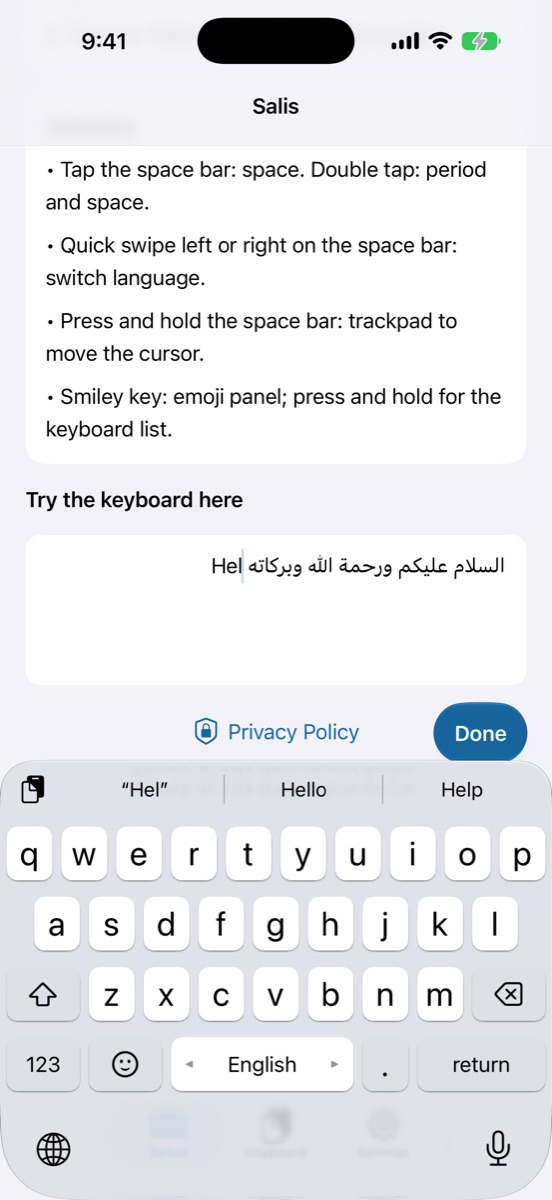
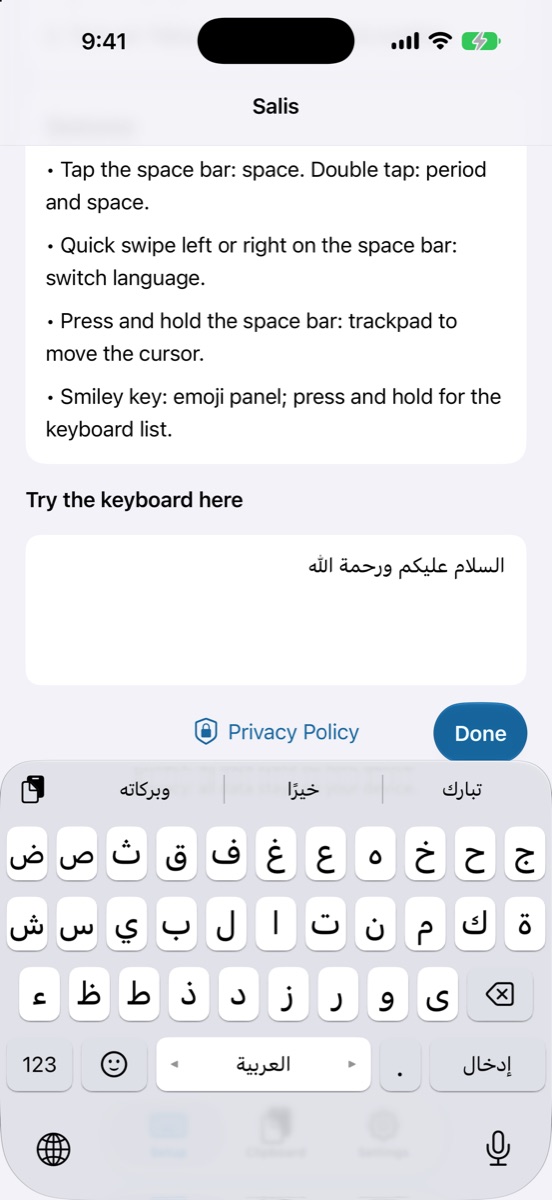
- Switch languages with a swipe: swipe left or right on the space bar to go from Arabic to English and back, without hunting for a key.
- Clipboard within reach: the clipboard button sits in the suggestion bar itself, with a history of what you copied, and the last copied text appears in the bar so you can paste it in one tap.
- Local Arabic prediction models: five models to choose from in Settings (HeliBoard Arabic and experimental, Lafz, HeliBoard English and experimental), all running on the device, offline.
- Learns from you: it remembers the words you use often and what you type after each word, and puts them ahead of the model's words.
- Learns from your fixes: type "هلل", delete it and retype "هلا", or correct a wrong suggestion, and it offers your fix first next time.
- Typo correction: catches the neighboring key you hit instead, an extra or missing letter, and a missed space between two words.
- Trackpad: press and hold the space bar and slide to move the cursor.
- Optional smart suggestions: with your own key for Claude, OpenAI or any OpenAI-compatible server. Off by default, and links are never sent.
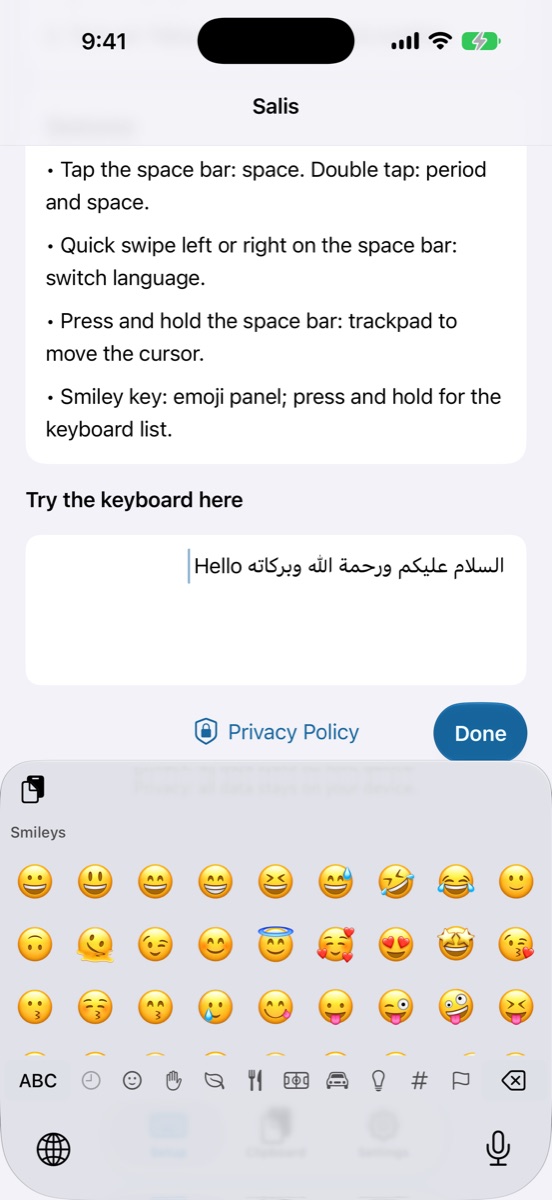
- Apple's measurements: keys, gaps and the key balloon match the system iOS keyboard, so your hand feels no difference.
Privacy
Everything stays on your device: learned words, fixes and clipboard history. Salis goes online only if you turn on smart suggestions with your own key. Details in the privacy policy (Opens in a new tab).
Download
Available now on the App Store (Opens in a new tab).