
Projects
Salis; a keyboard that gets me
I relied on SwiftKey for its smart predictions and its language switch, until it broke so often that I deleted it, and I couldn't get used to the stock iOS keyboard. So I built my own keyboard. This is its story.
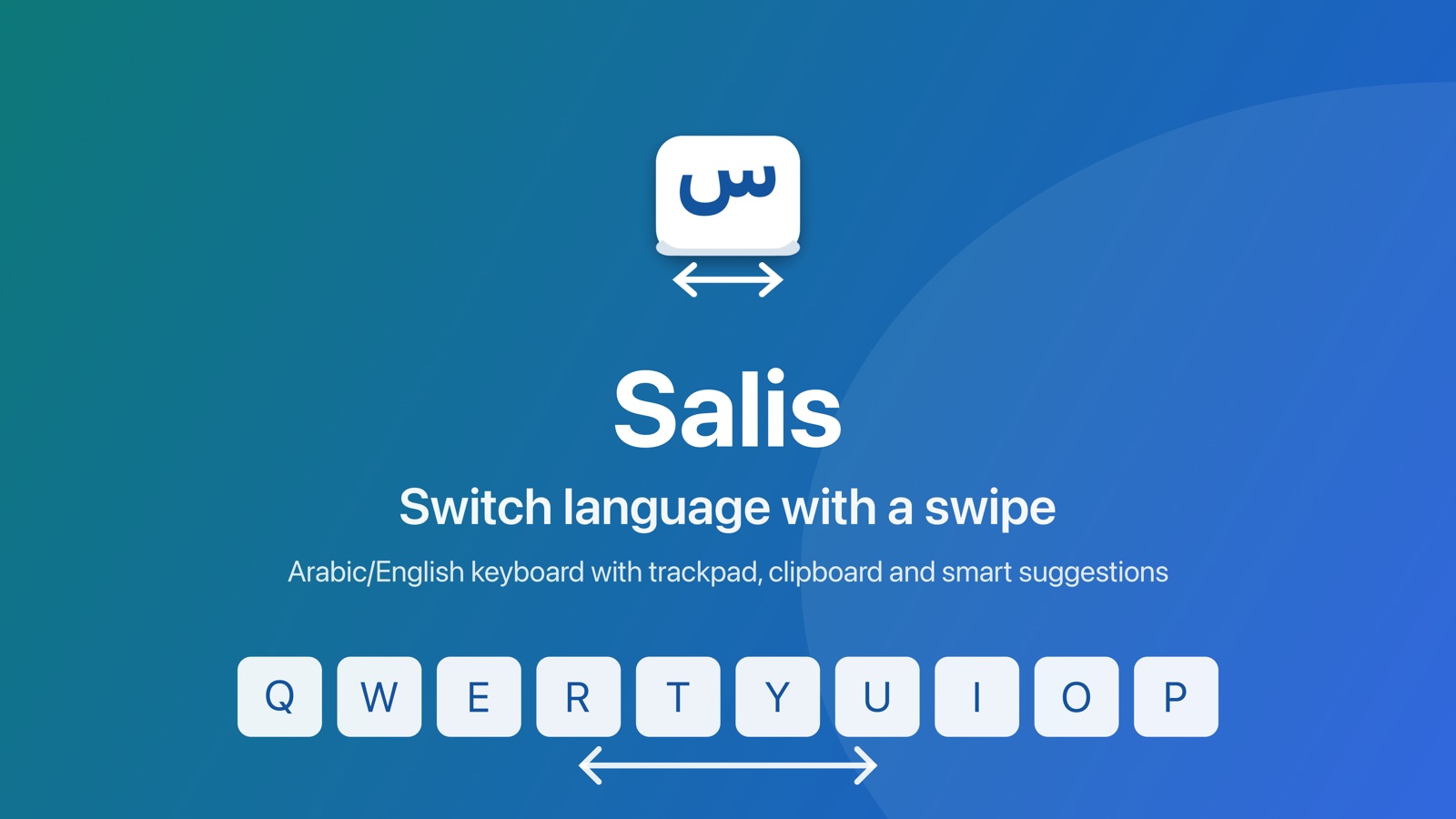
The keyboard is the tool I use most on my phone. I open it hundreds of times a day, in chats, email, notes and search, so I can't put up with it letting me down.
SwiftKey, the favorite
For years I used SwiftKey (Opens in a new tab), first on Android, then on iPhone. Two things kept me attached to it:
- Smart suggestions and prediction: it knew the word I wanted before I finished it, and what I would type next.
- The language switch: really well done, and so familiar it became part of how I type.
Lately, though, its problems piled up until I couldn't rely on it for anything. Sometimes it crashed, sometimes it didn't open at all in some apps, which is infuriating in a tool you need every moment. I put up with it for a while, then sadly deleted it.
Then the iOS keyboard
I went back to Apple's stock keyboard and couldn't adapt to it. It doesn't get me: its Arabic suggestions don't look like what I write, and it doesn't learn from my corrections. And the switch between Arabic and English is far away, while I sometimes switch within a single sentence.
That's where the need came from: a keyboard of my own.
So I built Salis
I started with the basic thing I missed: switching languages with a swipe on the space bar. No key to look for; just slide your finger left or right on the space bar and keep typing.
Then I added an extra feature: the clipboard, reachable in as few steps as possible. Its button lives in the suggestion bar itself, and the last thing you copied appears in the bar so you can paste it in one tap.
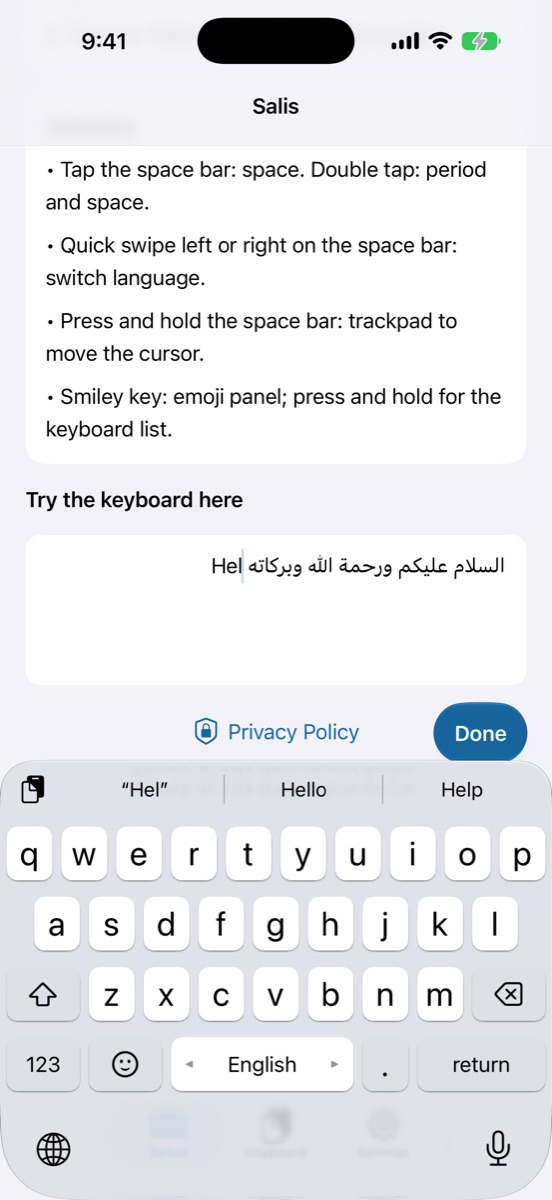
That left the hardest part: the intelligence. I added the Arabic prediction models available, from HeliBoard and Lafz, all running on the device without internet, and you pick between them in Settings. On top of those models, Salis learns from you:
- Your frequent words: it remembers the words you type often and what you write after each one, and suggests them automatically ahead of the model's words.
- Your edits: type "هلل", delete it and retype "هلا", and it understands you meant "هلا" and suggests it next time.
- Its own mistakes: if it suggests the wrong word and you correct it, it learns from your fix and doesn't repeat the mistake.
All of this stays on your phone; Salis sends nothing anywhere. There are AI suggestions for those who want them, with their own key, and they're off by default.
Let's try it together
It's been four days since I started using it instead of any other keyboard. It isn't finished yet, but it understands me a little better every day, which is exactly what I was looking for.
Now I'm sharing it with you so we can try it together. Get it on the App Store (Opens in a new tab), and the details and features are on the Salis page. If you try it, tell me: what did it get about you, and what hasn't it got yet?
Comments
Comments are reviewed before they appear.
New writing, in your inbox
New posts and notes when they’re written. Nothing else.
Your address is never shared, and you can unsubscribe in one click.
Related posts
Siyada — a 2013 note I found already built, in an open-source game
An idea that sat in my notes for twelve years, then turned up finished in an open-source game. My part was to make it speak Arabic.
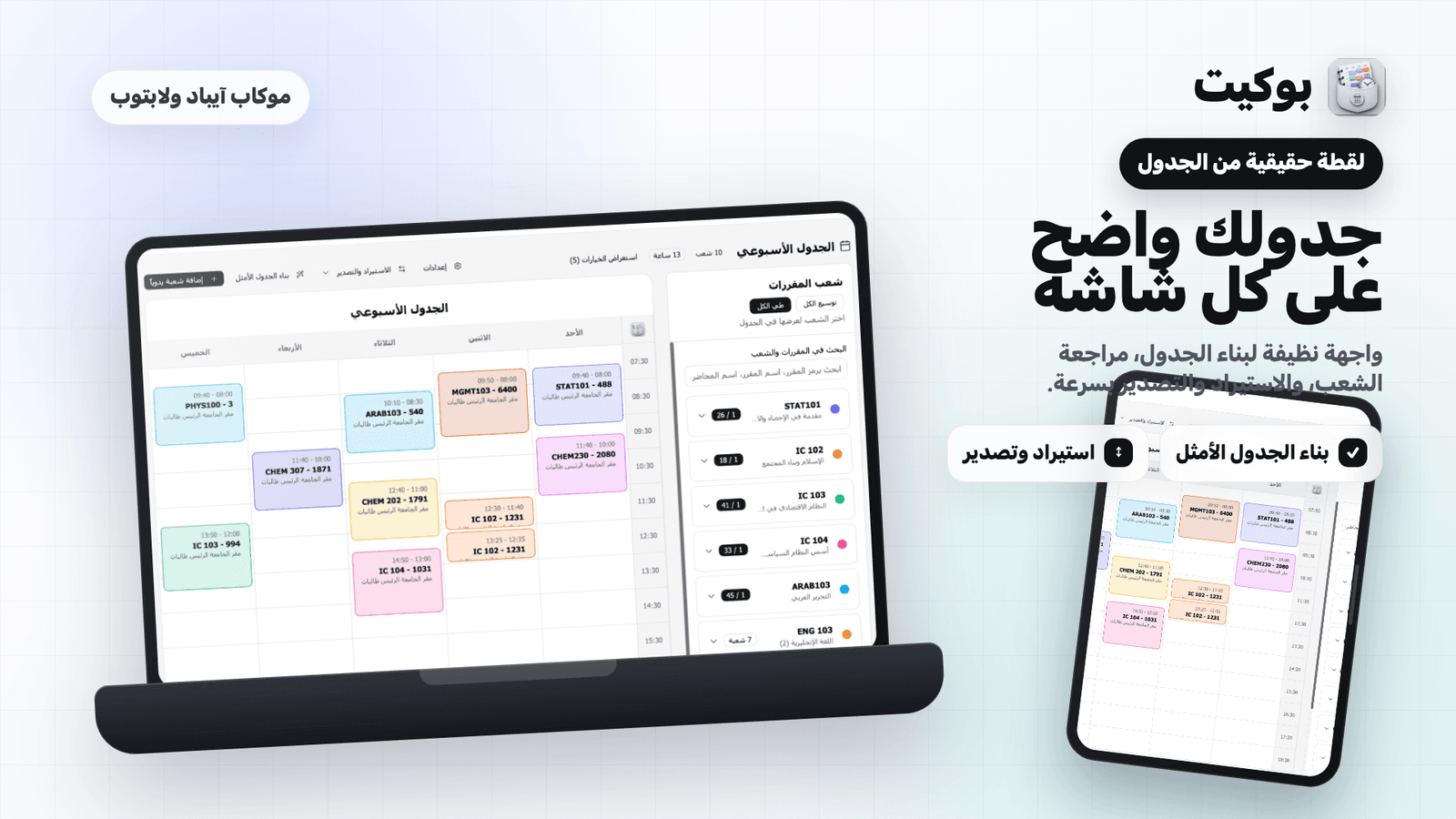
Pocket Is on iPad — and Now Supports Qassim and Imam University
One app that turns the offered-courses page into a clean, conflict-free weekly schedule — now for two universities.

Theft by Proxy — When AI Becomes an Intermediary for Copying
When AI is used to rebuild an existing product, who bears responsibility — and where does competition end and copying begin?