
Projects
Pocket Is on iPad — and Now Supports Qassim and Imam University
I've launched Pocket on iPad to help students build conflict-free class schedules. It now imports Qassim University courses straight from Safari, and pulls Imam University sections inside the app.
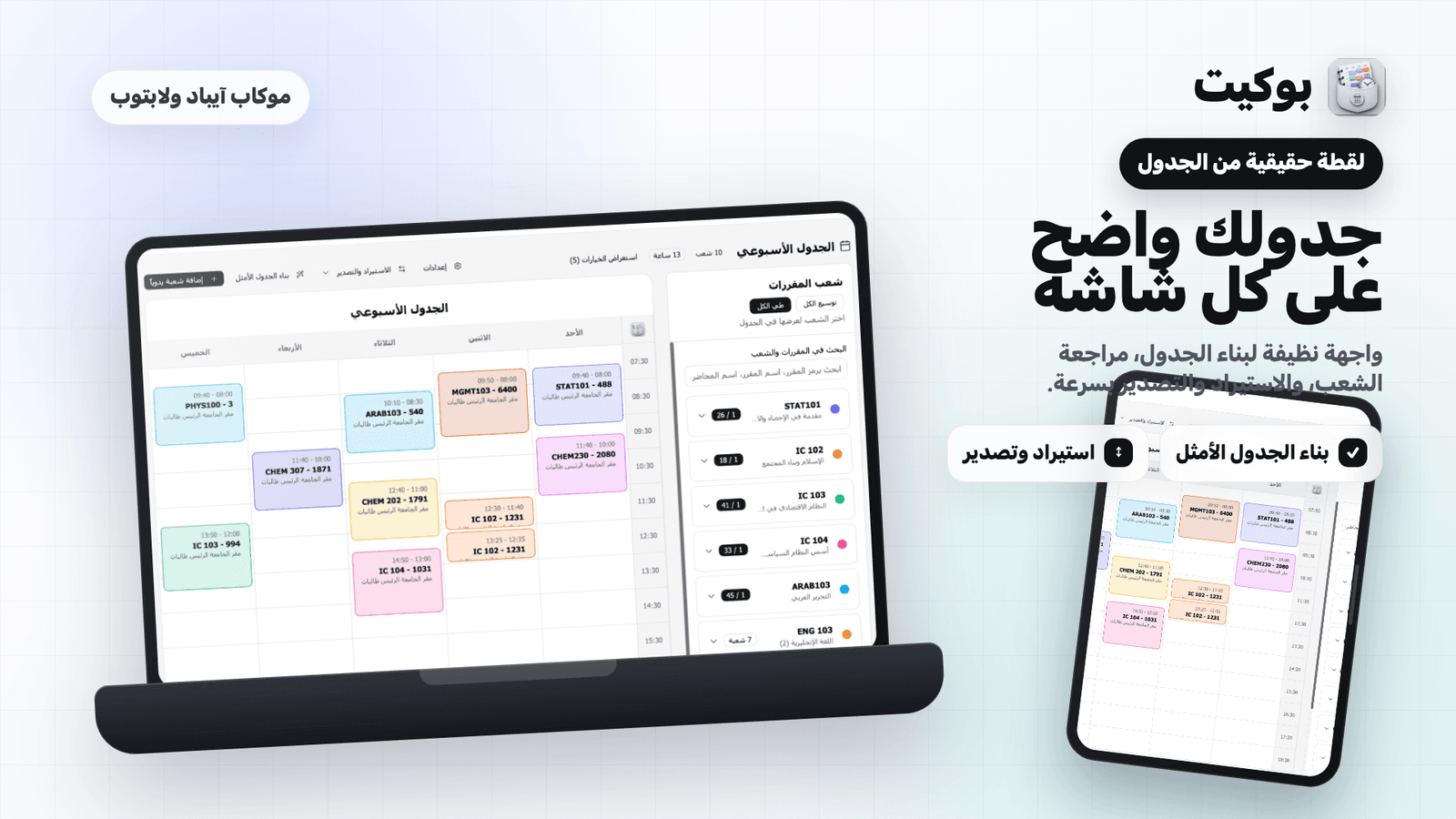
Every term, the same scene repeats: the offered-courses page open in one window, a spreadsheet in another, and a student trying to line up ten sections so no two lectures collide — until one section closes, the whole schedule collapses, and it starts over.
Pocket (Opens in a new tab) is my attempt to end that scene. It's now available as an iPad app, and this release supports Qassim University and Imam Muhammad ibn Saud Islamic University.
From QUStudio to Pocket
The tool began in 2019 as QUStudio, a Chrome and Firefox extension for students at Qassim University and the Buraydah colleges, and was later used by more than 30,000 students. It then became a bookmarklet that ran from the university system page. I eventually renamed it Pocket and relaunched it as a native iPad app for students across the Kingdom's universities.
You can see that first release in my 2019 QUStudio launch post (Opens in a new tab).
What the app does
- Builds the schedule for you: pick your courses, set your preferences, and the app generates several optimized weekly schedules in minutes.
- Catches conflicts in real time: no more comparing time slots by hand, cell by cell.
- Shows the week as it is: a color-coded weekly calendar with room and instructor.
- Exports and shares: take the schedule out of the app when registration time comes.
- Arabic-first: the interface is built for Arabic, not translated into it.
Here's what building a schedule looks like on iPad: you open a course's sections from the list, they land in the weekly grid in color, and any conflict shows up as it happens:
Qassim University: from Safari to Pocket
At Qassim you don't need to copy anything by hand — sharing the page is enough:
- In Safari, open the offered courses by study plan page (المقررات المطروحة وفق الخطة).
- Tap the Share button in Safari.
- Choose Pocket from the share sheet.
- Open Pocket — your courses are already there — then plan your schedule.
Imam University: pick courses, fetch their sections
At Imam University everything happens inside the app itself:
- Sign in to the app.
- Select Imam University from the list of universities.
- Select the courses whose sections you want to fetch.
- Plan your schedule.
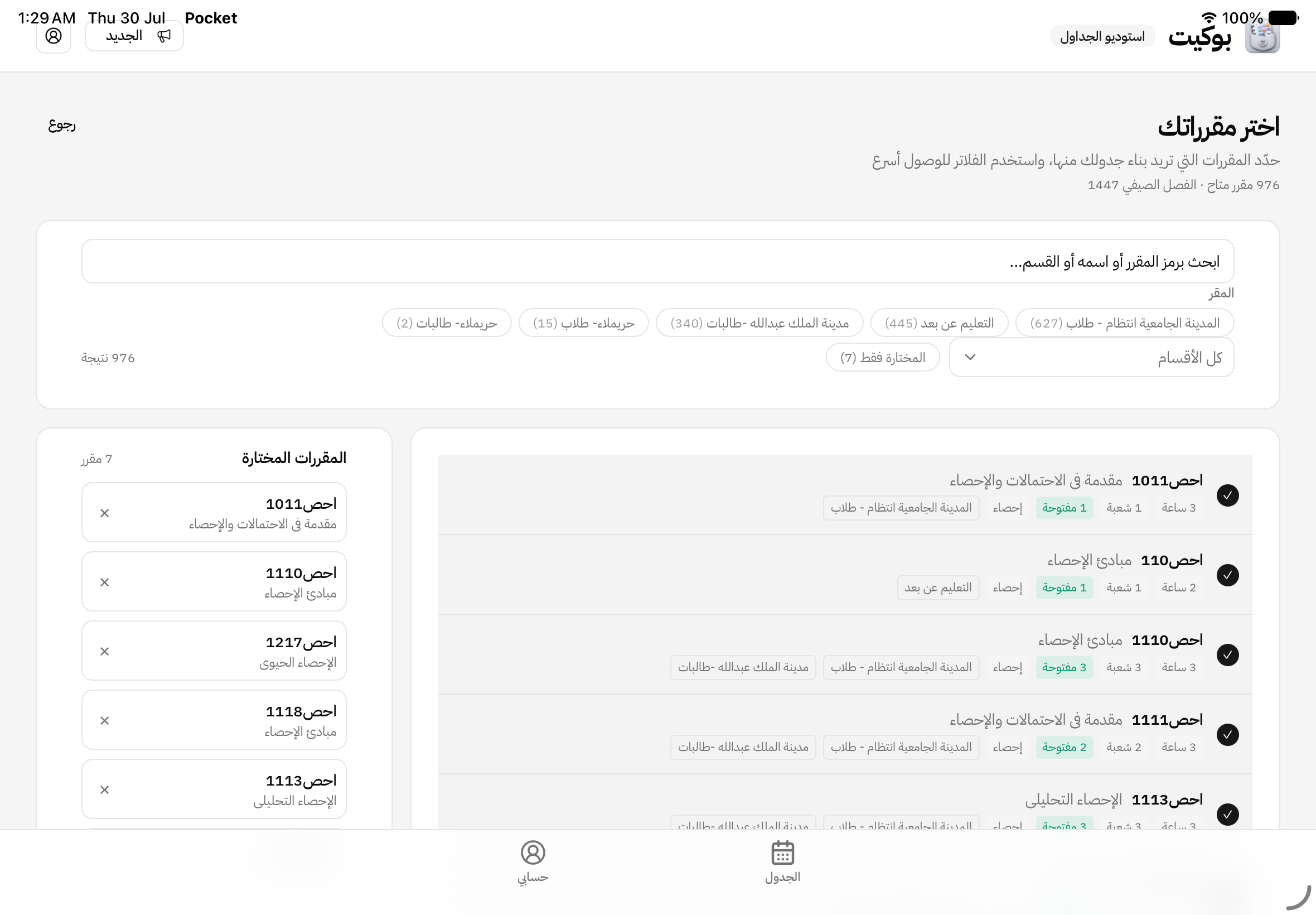
Course lists tend to be long — 976 courses on offer in the screenshot below — so use the filters to narrow the results before you choose; you reach what you need without endless scrolling.
Getting it, and what it costs
Downloading the app is free on the App Store. It is available for iPad, requires iPadOS 15 or later, and is around 14 MB.
Using it is paid, though: importing from the university system needs a Pocket Pro subscription at SAR 17 per semester at the currently listed price. The authoritative price is always the one shown on the Pocket site (Opens in a new tab).
Download Pocket on the App Store → (Opens in a new tab)
What's next
These two universities are a starting point; the plan is to add others one at a time. If you're at a university Pocket doesn't support yet — or you've used it and see something worth improving — tell me. The order of the next universities follows student requests more than anything else.
Comments
Comments are reviewed before they appear.
New writing, in your inbox
New posts and notes when they’re written. Nothing else.
Your address is never shared, and you can unsubscribe in one click.
Related posts
Salis; a keyboard that gets me
A tool you use hundreds of times a day can't afford to let you down. When my favorite keyboard did, and the alternative didn't understand me, I built one that does.
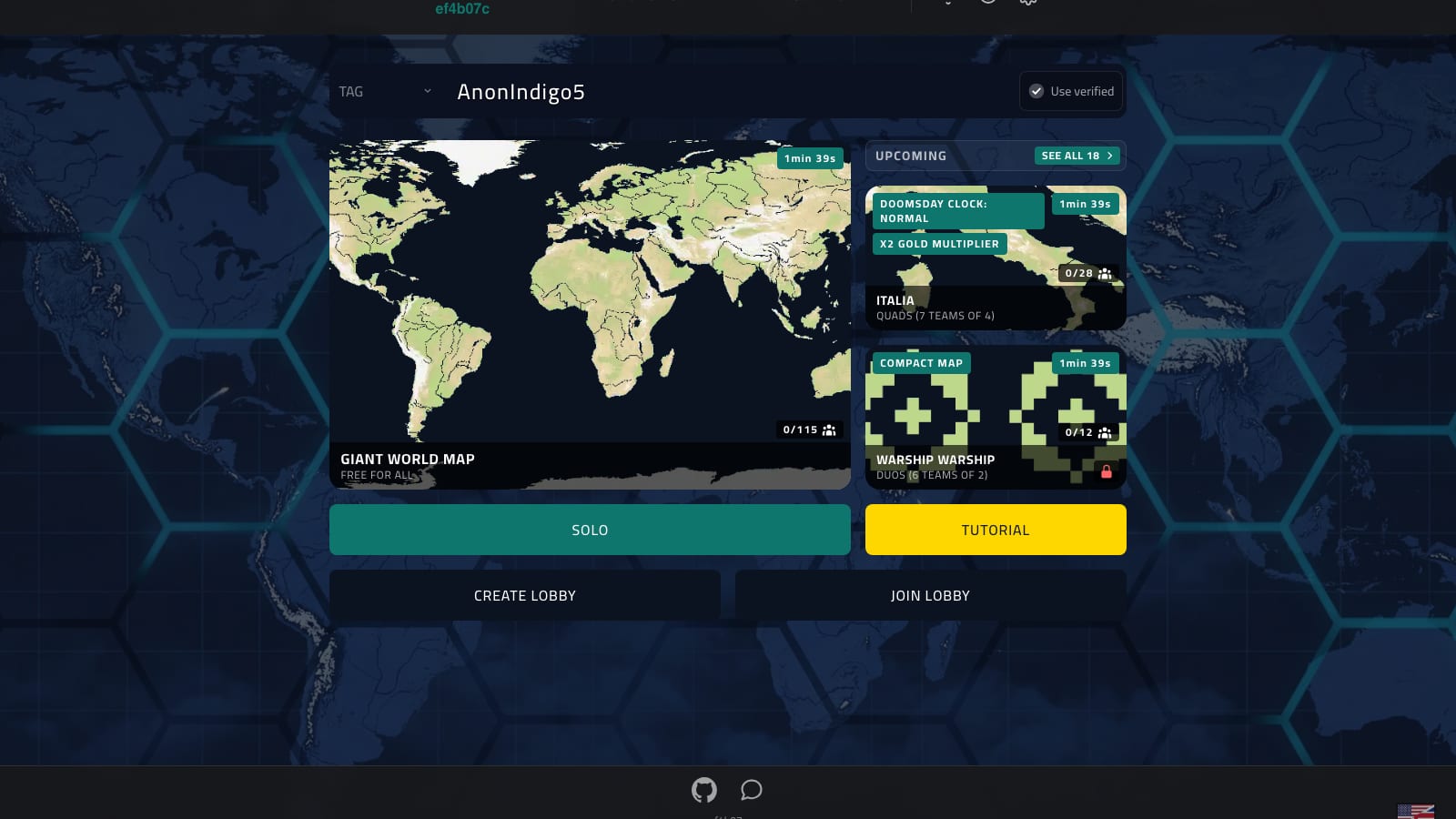
Siyada — a 2013 note I found already built, in an open-source game
An idea that sat in my notes for twelve years, then turned up finished in an open-source game. My part was to make it speak Arabic.

Theft by Proxy — When AI Becomes an Intermediary for Copying
When AI is used to rebuild an existing product, who bears responsibility — and where does competition end and copying begin?